Why CloudDox
- Save any online document as a file
- Open with a double-click, organize in folders
- Templates for Google Docs, Sheets, Slides and more
- Microsoft Word, Excel and PowerPoint supported too
- #1 in Business on the Mac App Store in several countries
What CloudDox can do
Make the cloud easier to use
CloudDox is a Mac app that bridges the cloud and your local files.


The problem
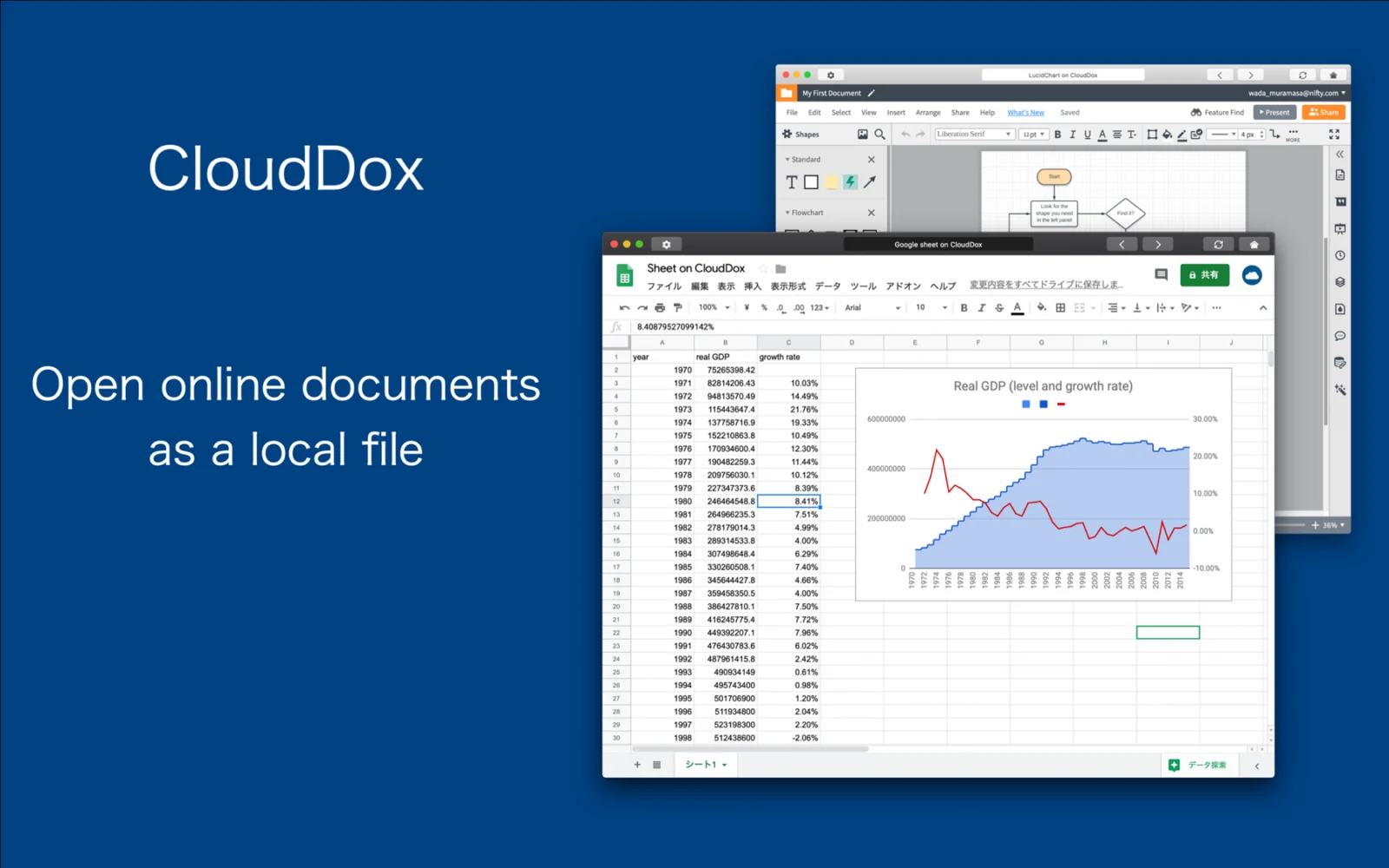
Working with online documents such as Google Sheets has become the norm.
Unlike Excel or Word files on your Mac, online documents have to be opened in a browser — and with dozens of tabs open, finding the right one gets harder and harder.
What CloudDox does
Keep a cloud document on your desktop like any other file. Put it in the same folder as the files that belong with it.
CloudDox was built for exactly that, and reached #1 in the Business category of the Mac App Store in several countries.

How it works
- Create a document Choose New from the File menu to create a CloudDox document — or start from a template, such as a Google Sheet, just like you would in Word or Excel.
- Enter the URL Click the settings icon in the top-left corner and enter the URL of the online document you want to turn into a file.
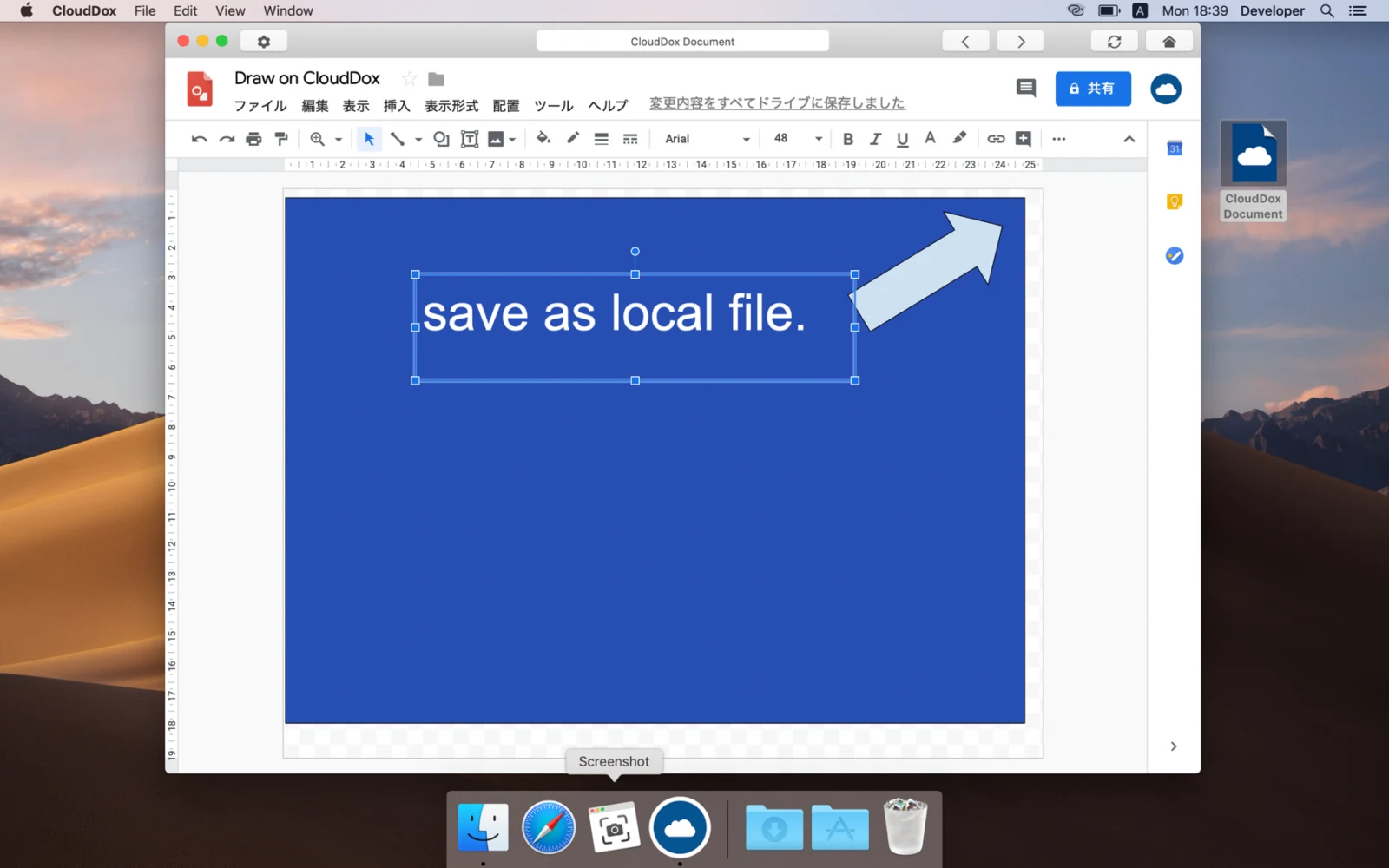
- Save it as a file Save it like any other file. Open it with a double-click, or copy it into a folder.
CloudDox — questions and answers
Which online documents are supported?
Templates are provided for Google Docs, Sheets, Slides, Drawings and Calendar, Microsoft Word, Excel and PowerPoint, YouTube, Netflix, Chatwork and Discord. Other documents can be used the same way, although some are not supported — please check during the trial period.
Is it free?
CloudDox is free for 5 days from first launch. After the trial period, an in-app purchase is required.
Can I keep Google Docs in a Finder folder?
Yes. CloudDox saves a small link file for each online document, so it can live in the same folder as the PDFs, images and notes that belong with it.