Why Alarmo
- Rings on silent and in Focus
- Wake up to your own mp3 or wav
- Pre-alert 1–30 minutes ahead
- Snooze at any interval you choose
- Widgets and a Control Center button
- Timer free for everyone
Articles about Alarmo
How-tos, examples and news about Alarmo.
An iPhone alarm app that rings even in Silent mode: Alarmo uses AlarmKit, like the Clock app, with Pre-Alert and Snooze set to the minute
Do iPhone alarms ring in Silent mode and Focus? The Clock app, notification-based alarm apps and Alarmo compared
iPhone alarm not going off in Silent mode? Here’s what to check
What Alarmo can do
Rings even on silent or Focus
Because Alarmo uses the iOS 26 alarm system instead of notifications, your alarm sounds on the mornings that matter. Silent switch on, Focus on — it still rings, full volume, until you stop it. See how it compares with the Clock app and notification-based alarm apps.
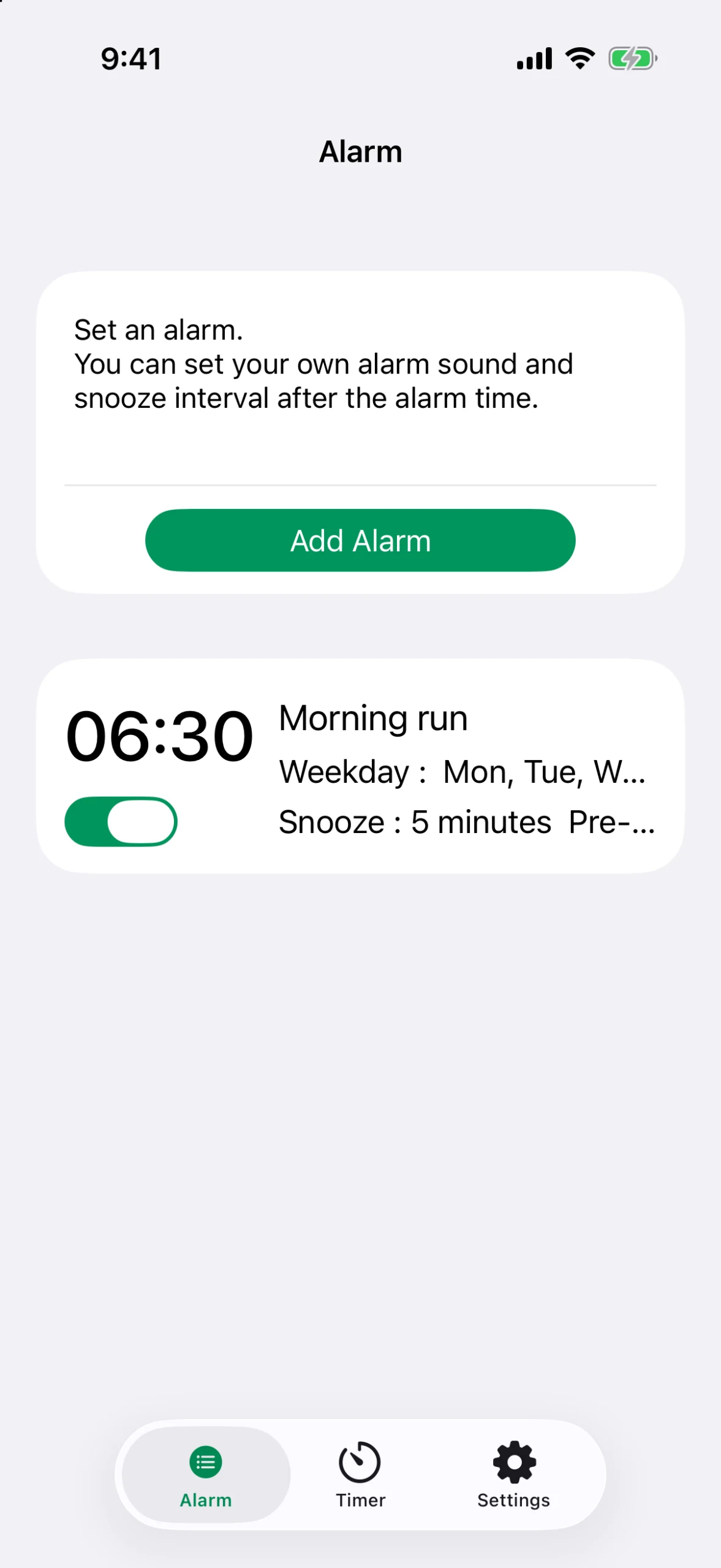
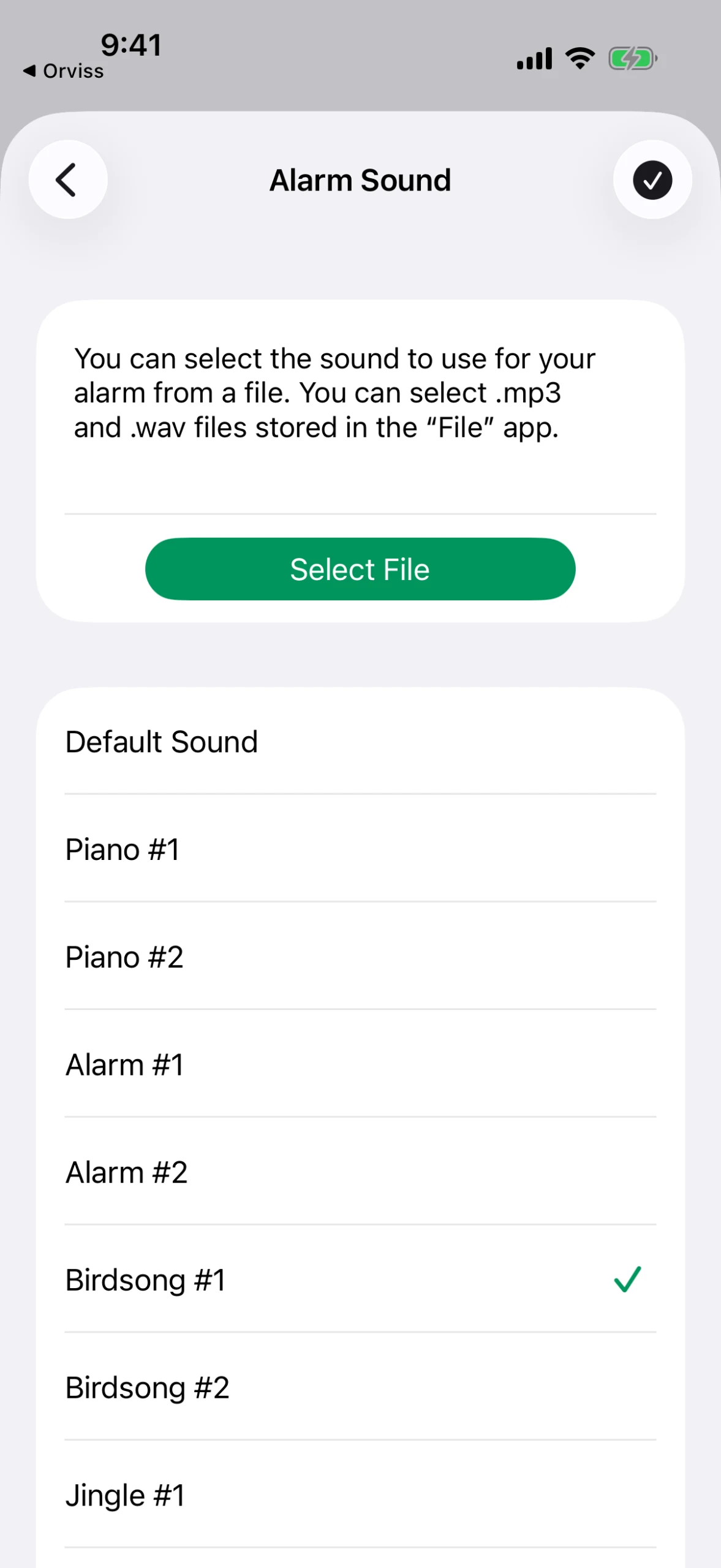
Wake up to what you want
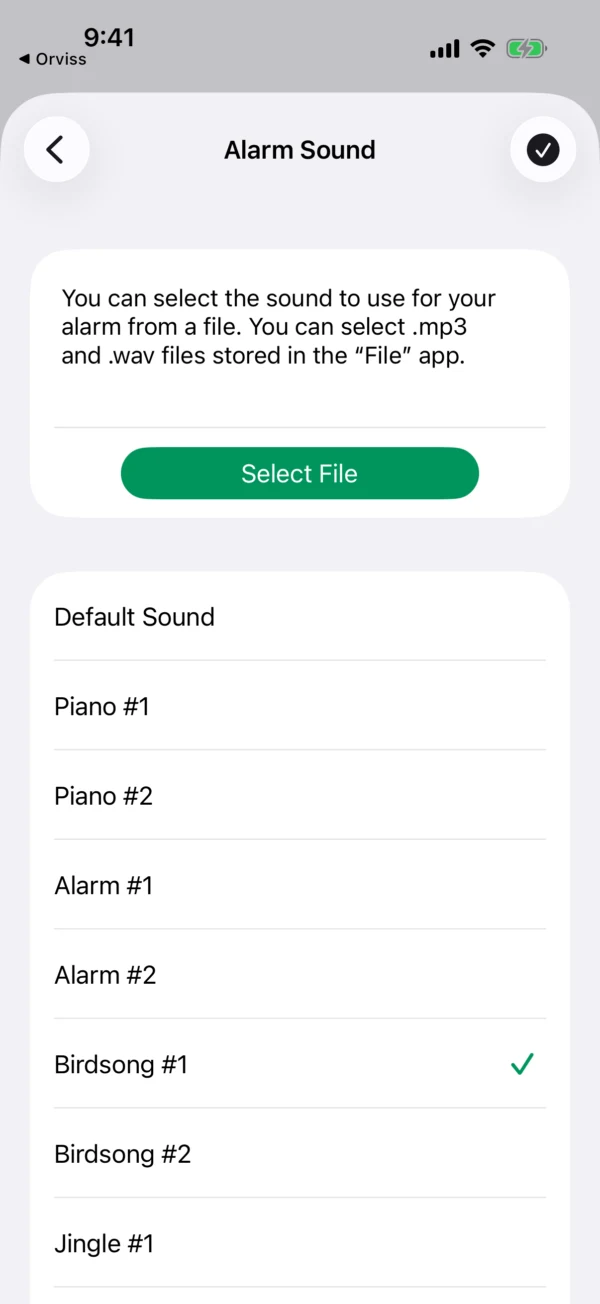
Nine built-in sounds, including piano, birdsong, jingles, a classic alarm and a siren for heavy sleepers. Or import any mp3 or wav from the Files app and wake up to your own music.
- Piano, birdsong, jingles, classic alarm, siren
- Import mp3 / wav from the Files app
- Preview every sound before you choose
Ease into the morning
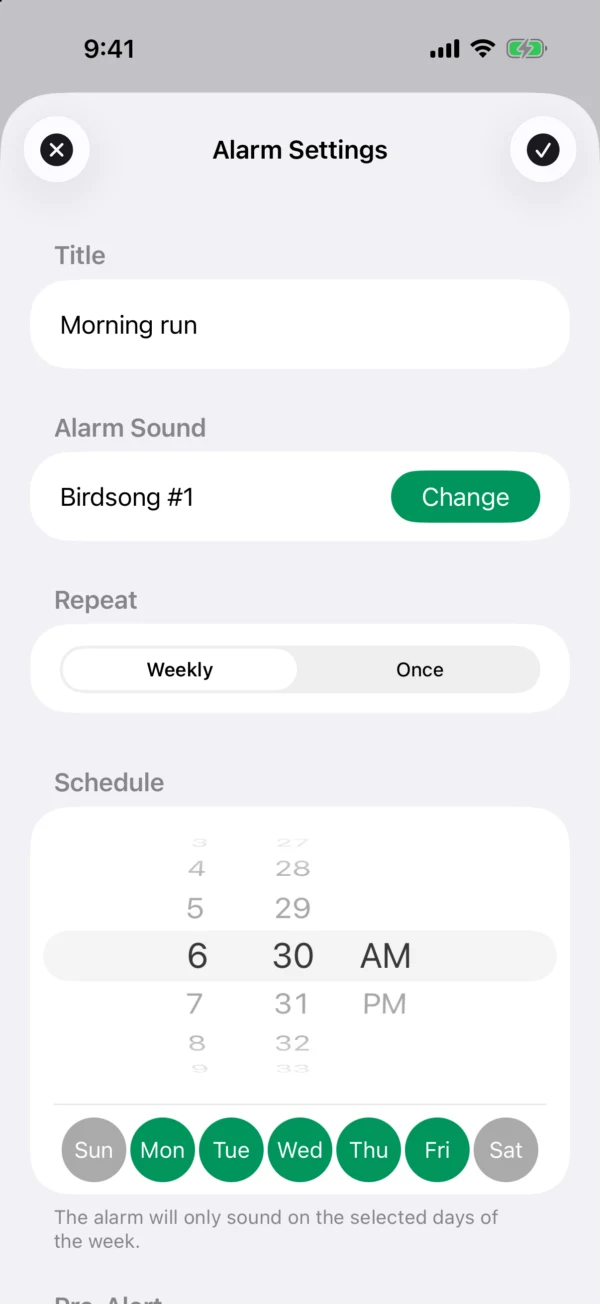
Set a pre-alert from 1 to 30 minutes ahead of your alarm for a gentle heads-up first, so you're not jolted straight out of sleep. Then pick any snooze interval from 1 to 30 minutes — Alarmo keeps ringing at that interval until you tap stop.
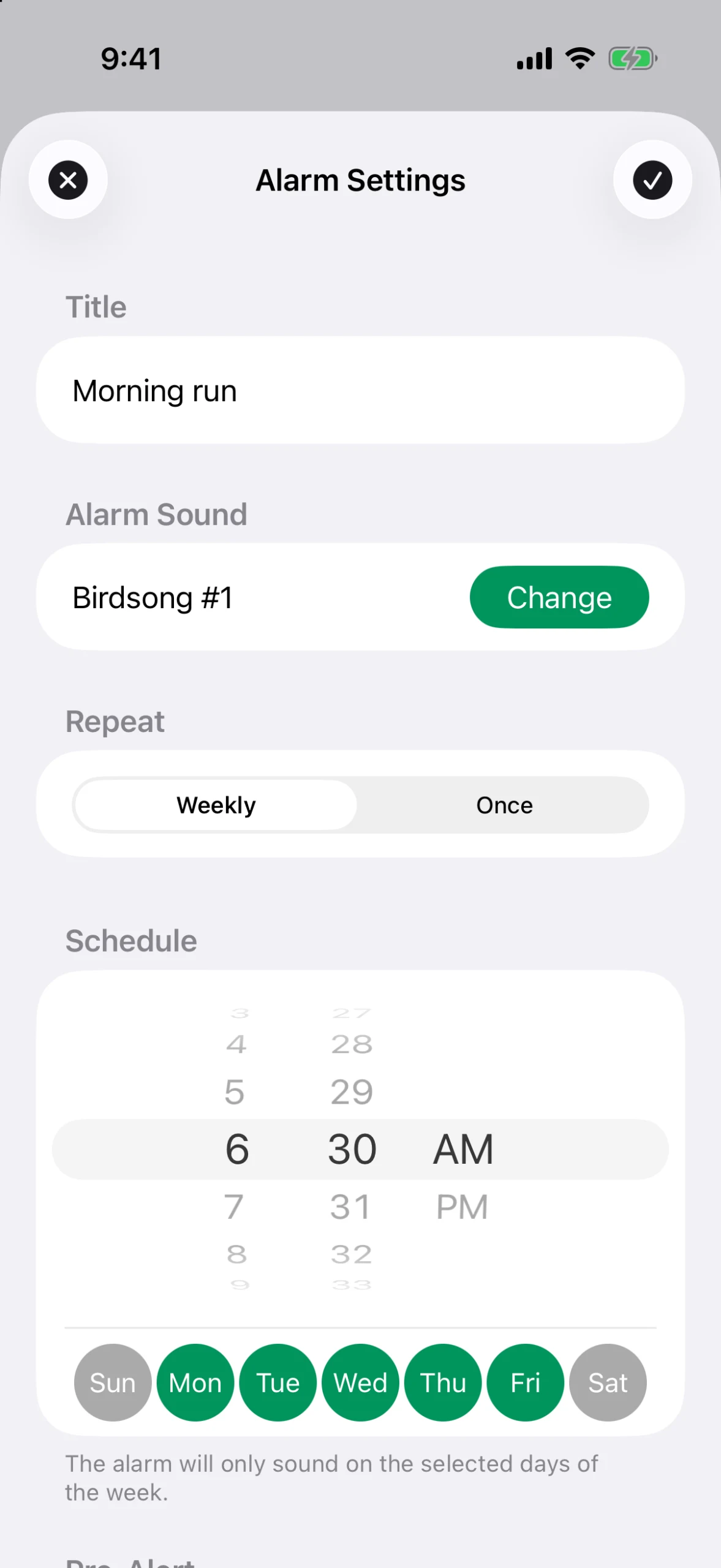
Weekly, or just once
Repeat on the weekdays you choose, or set a one-time alarm for a specific date — handy for a flight, an exam, or anything that only happens once. One-time alarms switch themselves off after they ring.
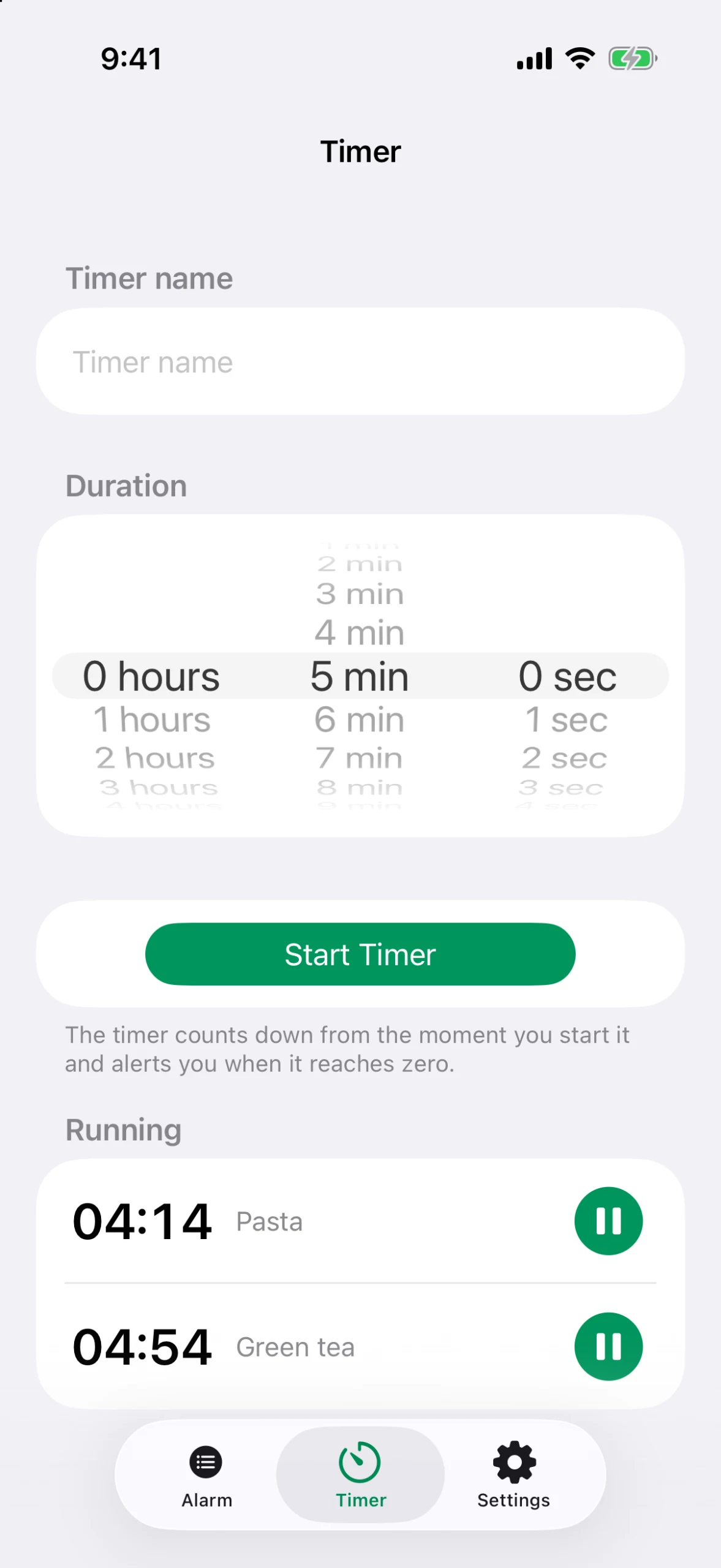
A timer, too — free for everyone
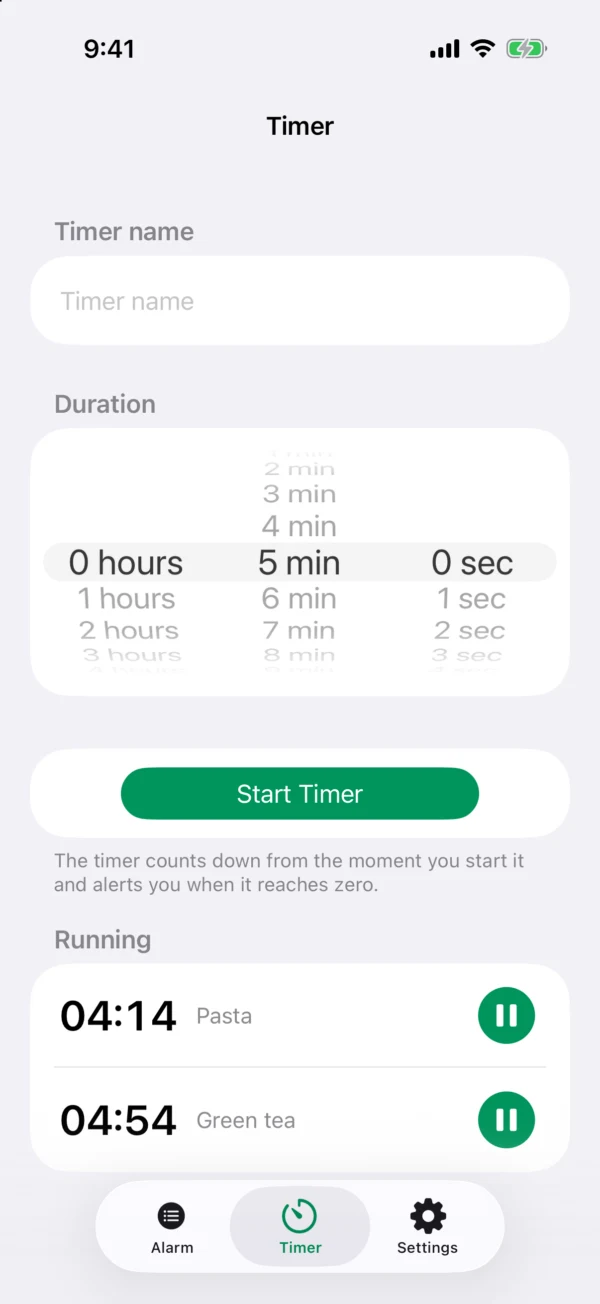
Count down in hours, minutes and seconds. Pause and resume whenever you need, name each timer, and run several at the same time.
Your next alarm at a glance
Home Screen and Lock Screen widgets show the next alarm you have scheduled, and a Control Center button opens Alarmo in a single tap.
Built to stay tidy
Duplicate an alarm you've already set up to create a variation in seconds, reorder the list to suit how you use it, and give each alarm a name so you always know what it's for.
Alarmo — questions and answers
Why does Alarmo require iOS 26?
Alarmo is built on AlarmKit, the alarm system Apple introduced in iOS 26. It is what lets the alarm ring through the silent switch and Focus modes instead of relying on notifications.
Does it really ring when my iPhone is on silent?
Yes. Alarms are handled by the system alarm service, so they sound at full volume even with the silent switch on or a Focus mode active — the same way the built-in Clock alarms do.
Is there a subscription?
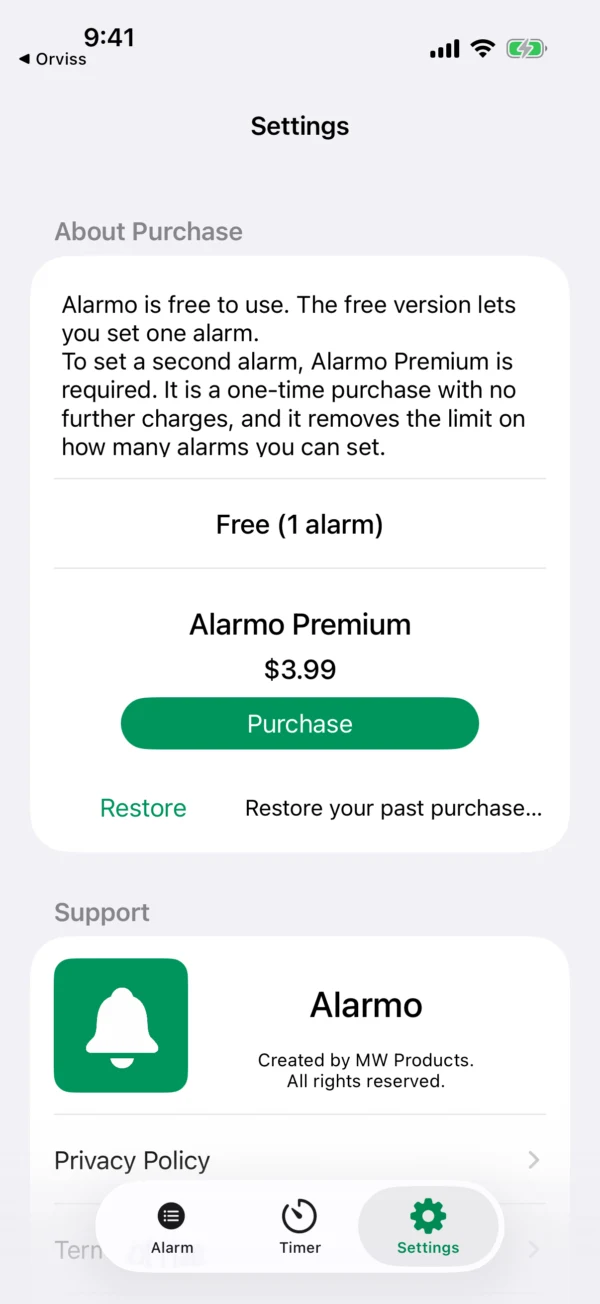
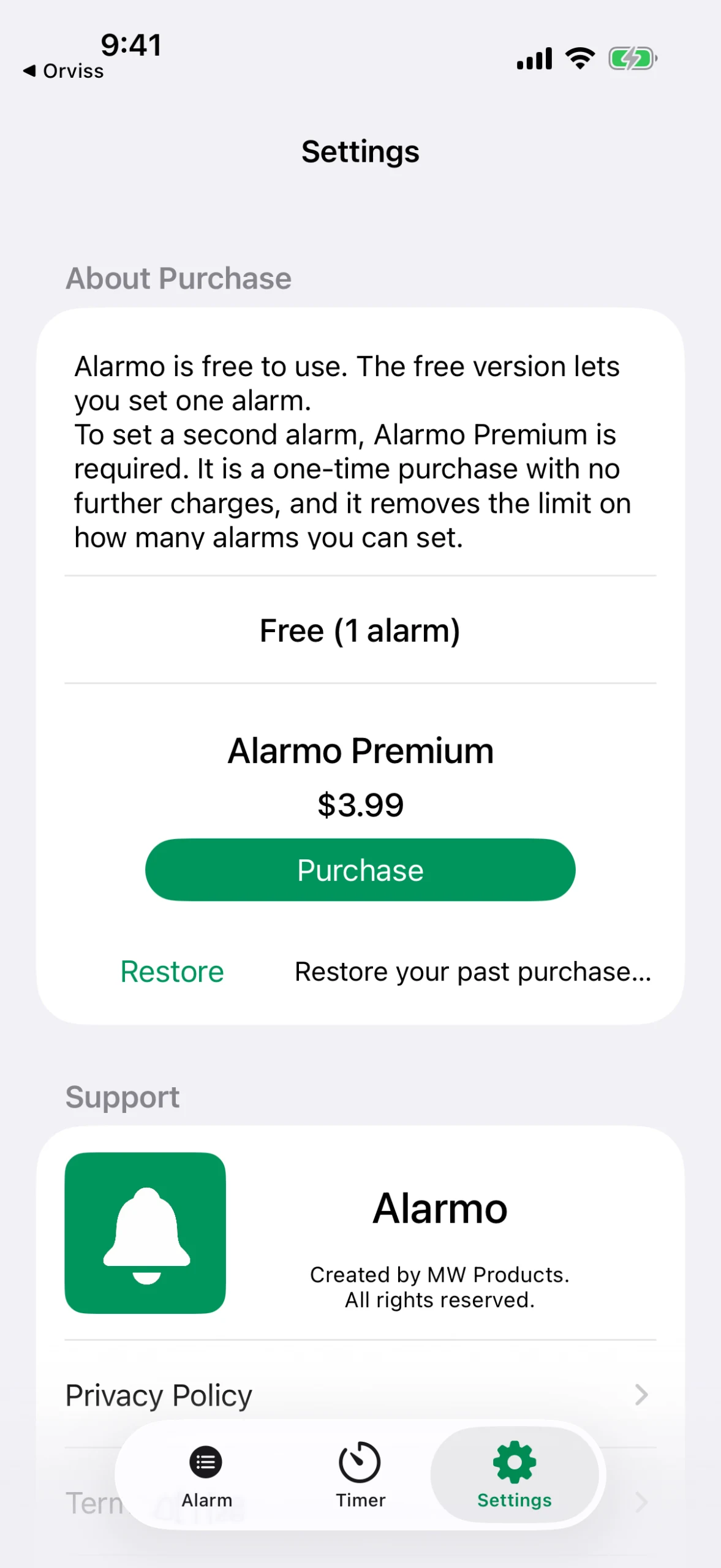
No. Alarmo is free to use with one alarm. Alarmo Premium is a one-time purchase that removes the alarm limit — there are no recurring charges.
How many alarms can I set for free?
One alarm at a time. To set a second alarm, Alarmo Premium is required. The timer is free for everyone, with no limit.
Can I use my own music?
Yes. Choose any mp3 or wav file from the Files app and Alarmo will use it as the alarm sound.
Will my iPhone alarm go off on silent?
With Alarmo it will. It uses the system alarm introduced in iOS 26 instead of a notification, so it sounds even when the ringer switch is off.
Does the alarm work in Focus or Do Not Disturb?
Yes. Focus and Do Not Disturb do not silence an Alarmo alarm — it is the same mechanism the built-in Clock app uses.