Galna Calendar, the Windows version of Galna, is now available on the Microsoft Store. You can try every feature free for the first 7 days.
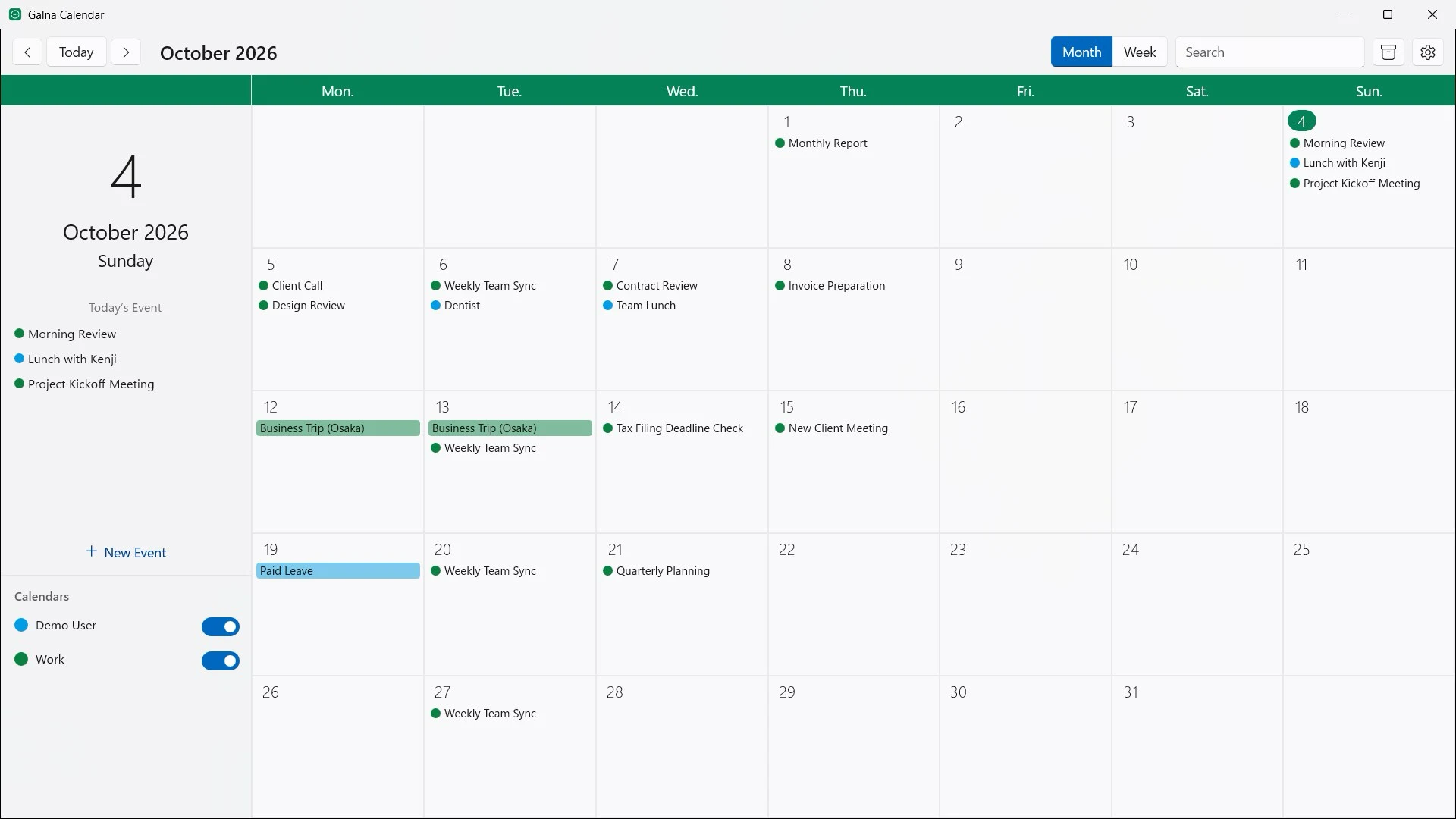
Galna is a calendar app built exclusively for Google Calendar. Without opening a browser tab, you can see your schedule in month and week views, move events by dragging, and edit everything from attendees to Google Meet links in one window. It takes the same idea behind the Mac version we released in August and rebuilds it for Windows 11.
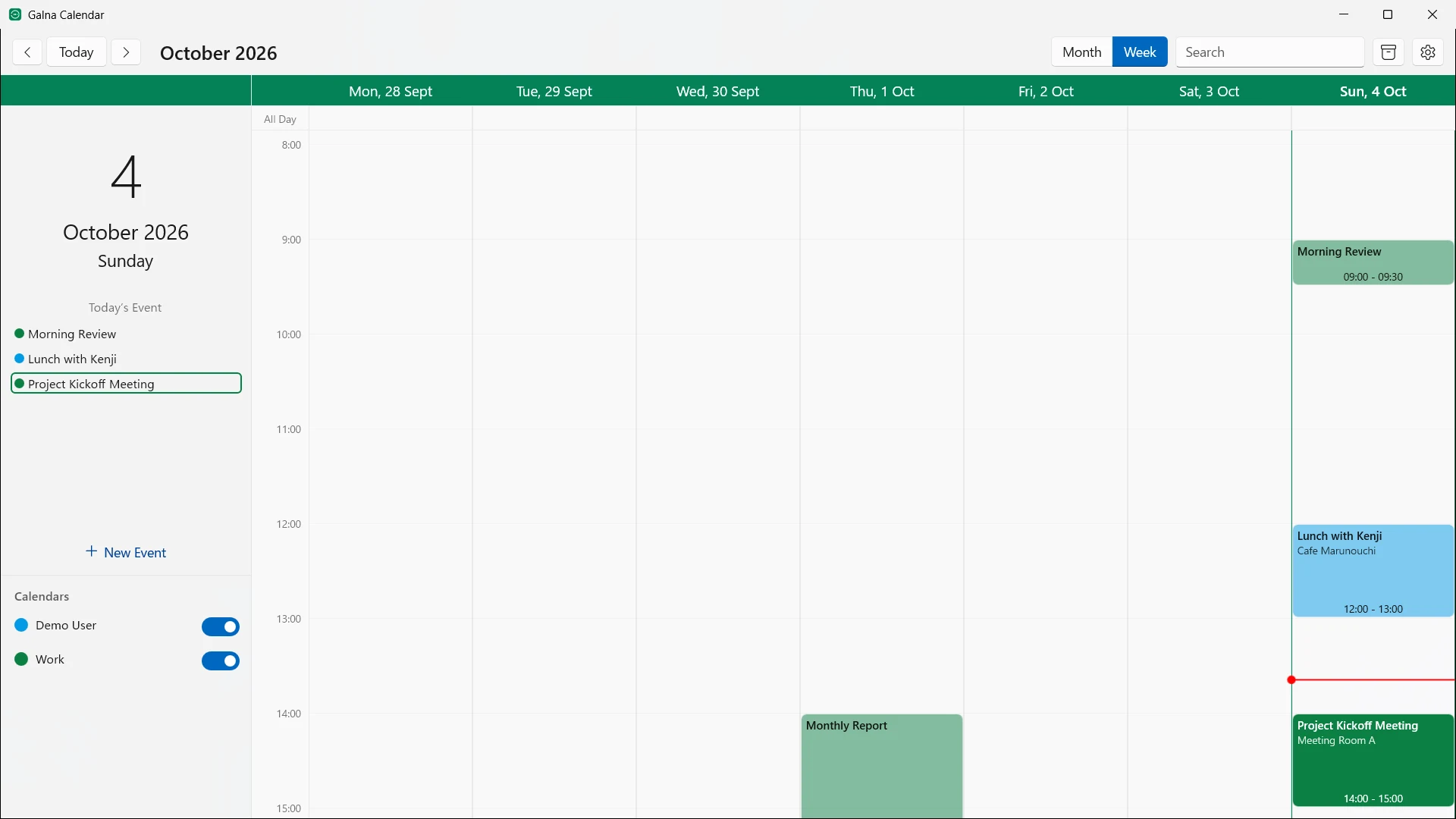
Your calendar, at a glance
- A month view for the whole month, and a week view hour by hour. Today’s events are always in the sidebar
- Switch calendars on and off, search every event by title or content, and jump to any day
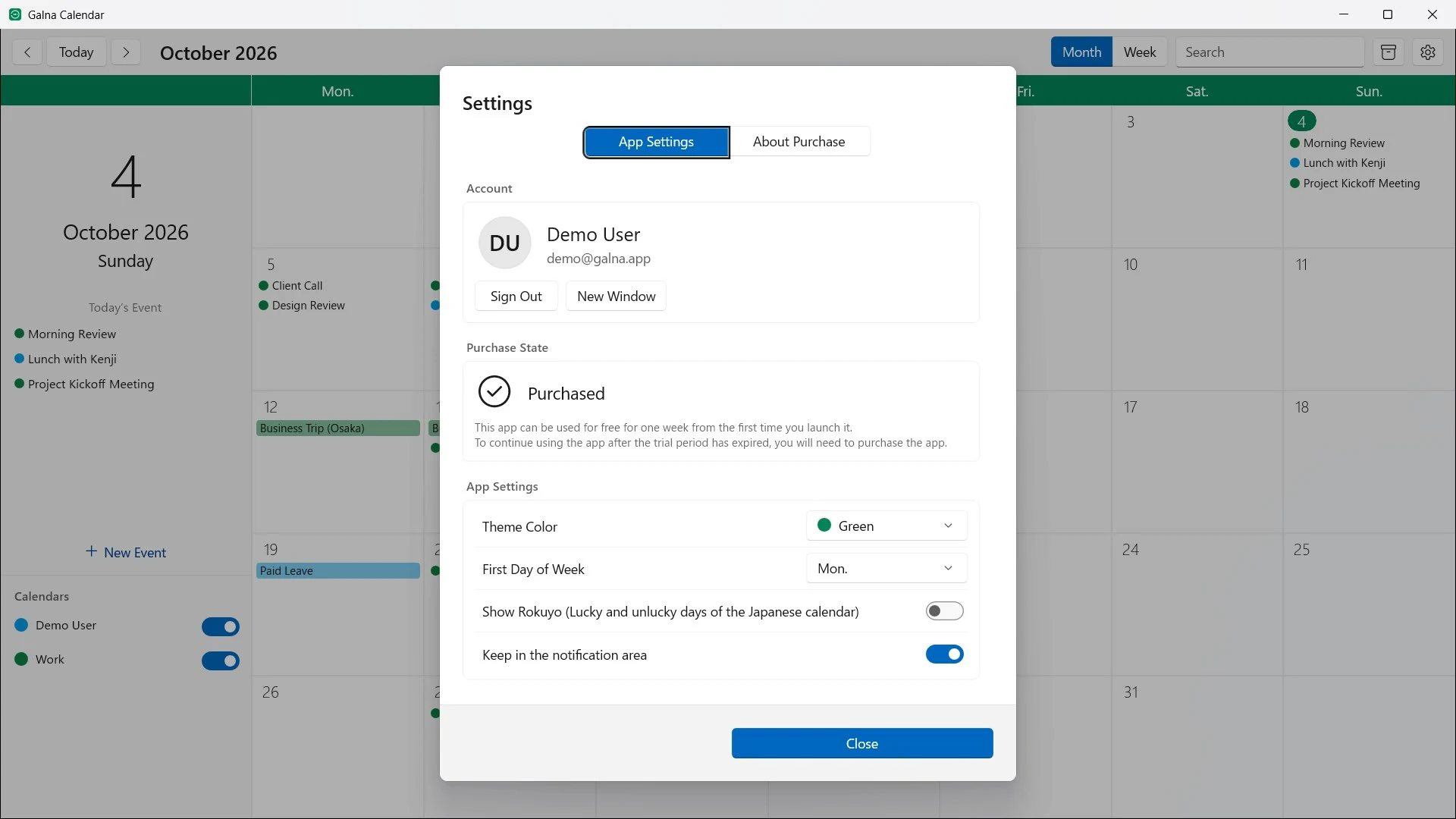
- Show the rokuyo (the six-day cycle of the Japanese calendar) in the month and week views
Edit without friction
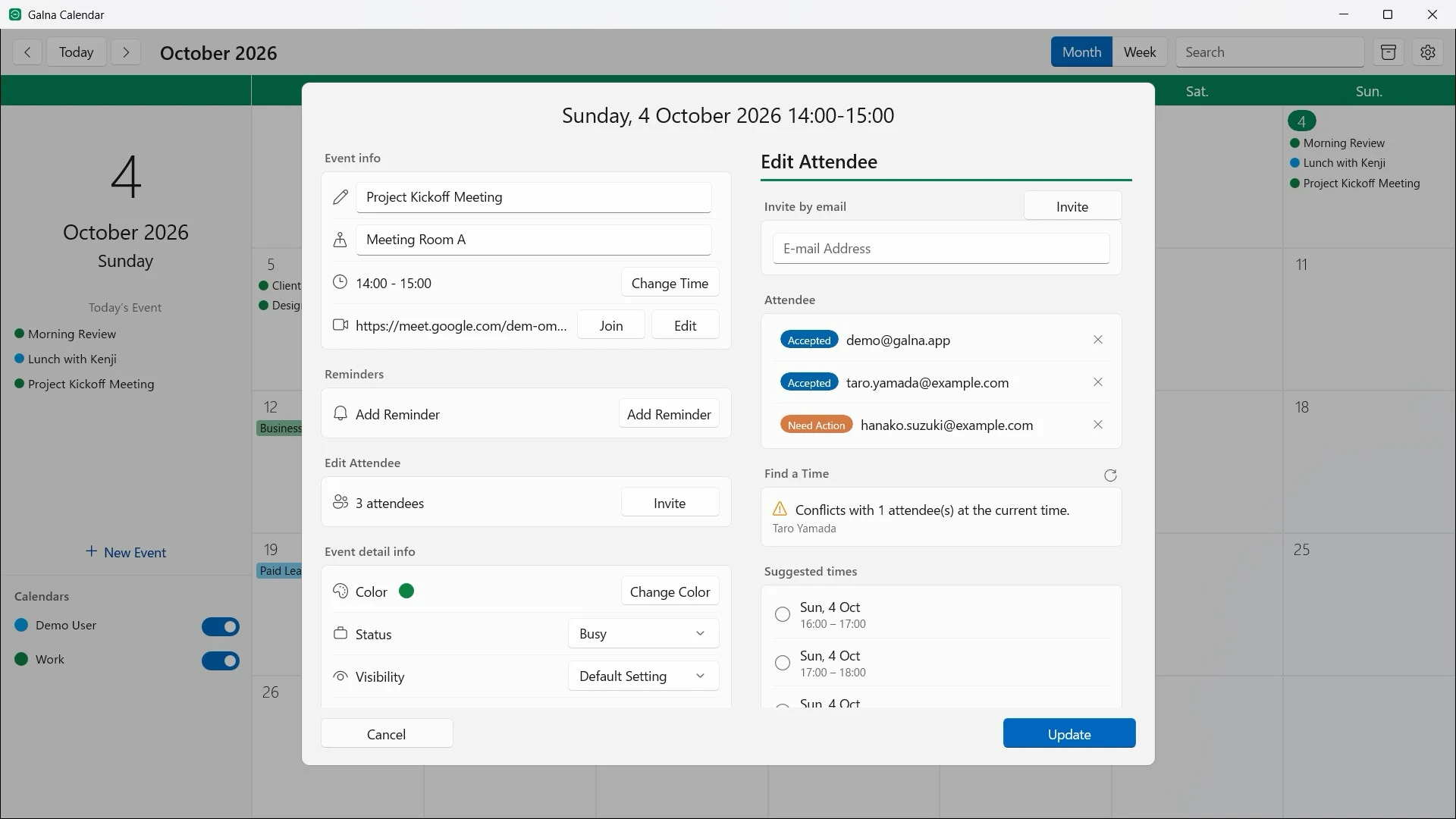
- Create an event with a double-click. Drag it to another day or time, or drag its edge to resize it
- Edit the title, place, notes, status and visibility, and pick a color
- Repeat daily, weekly on the weekdays you choose, monthly by date or by weekday, or yearly, ending never, on a date, or after a number of times
- When you change or delete one event of a series, Galna asks whether to apply it to this event only, to all following events, or to all of them
Meetings with other people
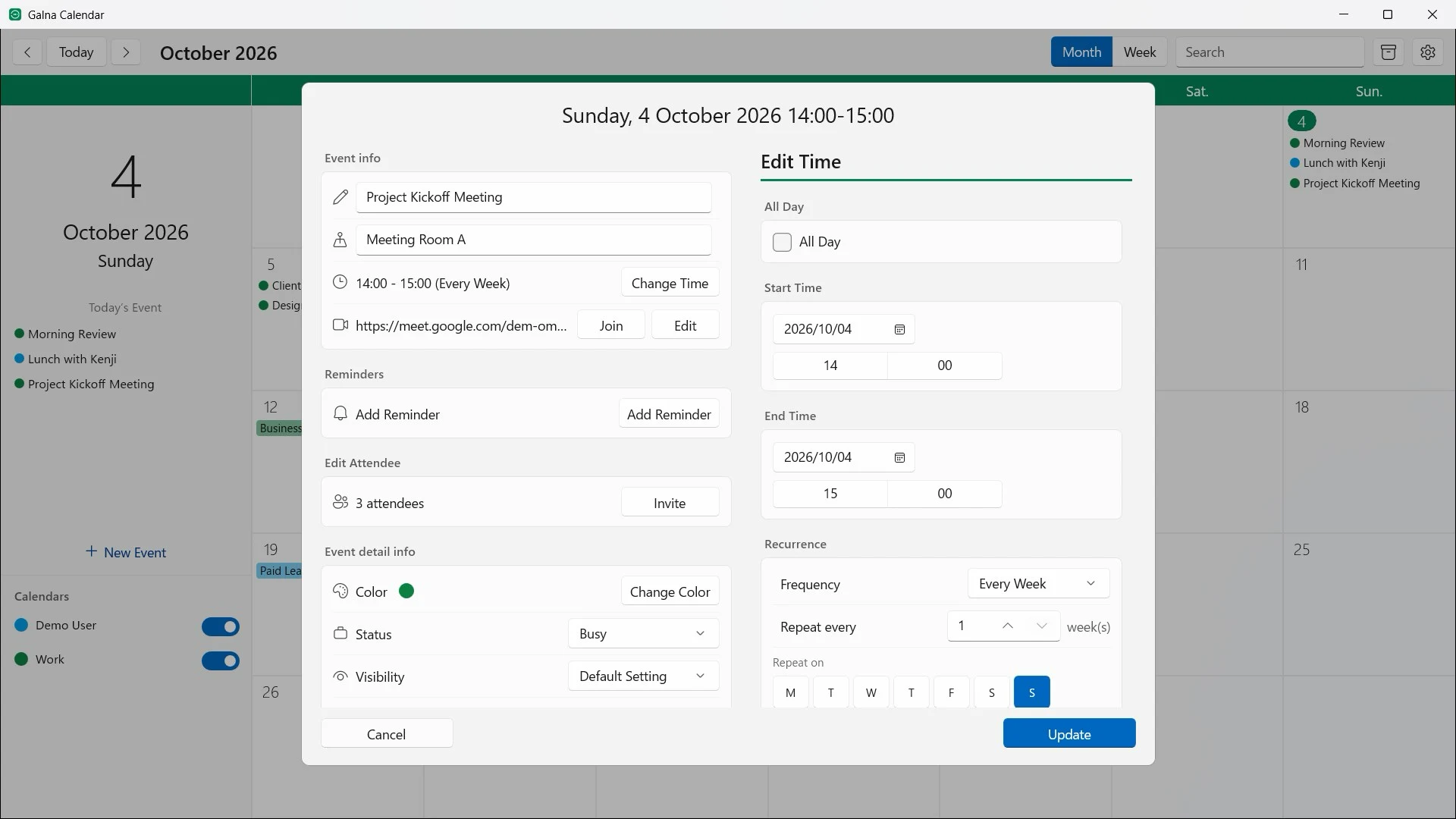
- Invite attendees from your Google contacts and see who has accepted
- “Find a Time” shows who is busy at the chosen time, suggests times when everyone is free, and lays everyone’s day out on one timeline
- Add a Google Meet link with one click, and attach files from Google Drive
- Accept, tentatively accept or decline the invitations you receive without leaving the calendar
Reminders and the notification area
Event reminders appear as Windows notifications, and clicking one opens the event. Galna Calendar can stay in the notification area at the right end of the taskbar: click its icon for a small calendar with the day’s events, even when the main window is closed.
Each Google account gets its own window, so you can keep work and personal accounts side by side. There are four theme colors, and you can choose the first day of the week.
Fast and private
Your events are kept in a database on your PC, so the calendar appears the moment you open the app and changes sync in the background. Galna Calendar talks only to Google’s own services; nothing is sent anywhere else.
Pricing
Galna Calendar is a one-time purchase on the Microsoft Store. Every feature is free for the first 7 days. After that, a single purchase keeps it yours, with no subscription.
The Windows version is purchased separately from the Mac version.
Requirements
Galna Calendar runs on PCs with Windows 11 version 22H2 or later (x64 and Arm64). It is available in 23 languages. A Google account is required.