ReMaster for Windows is now available on the Microsoft Store. It’s free to use.
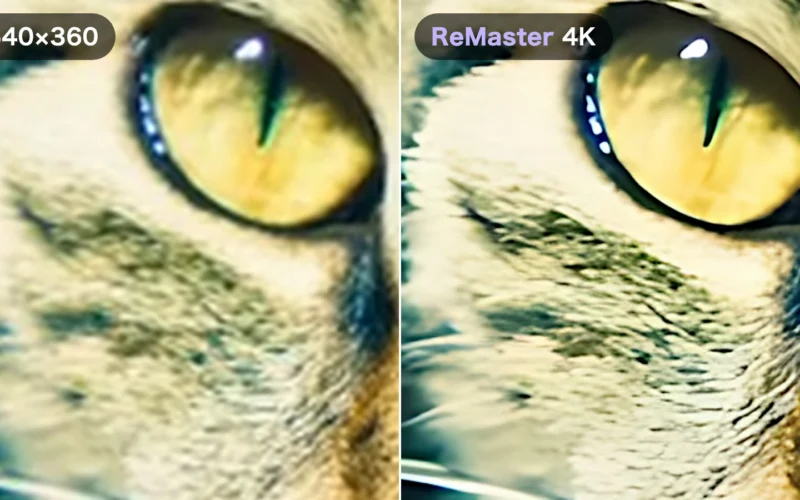
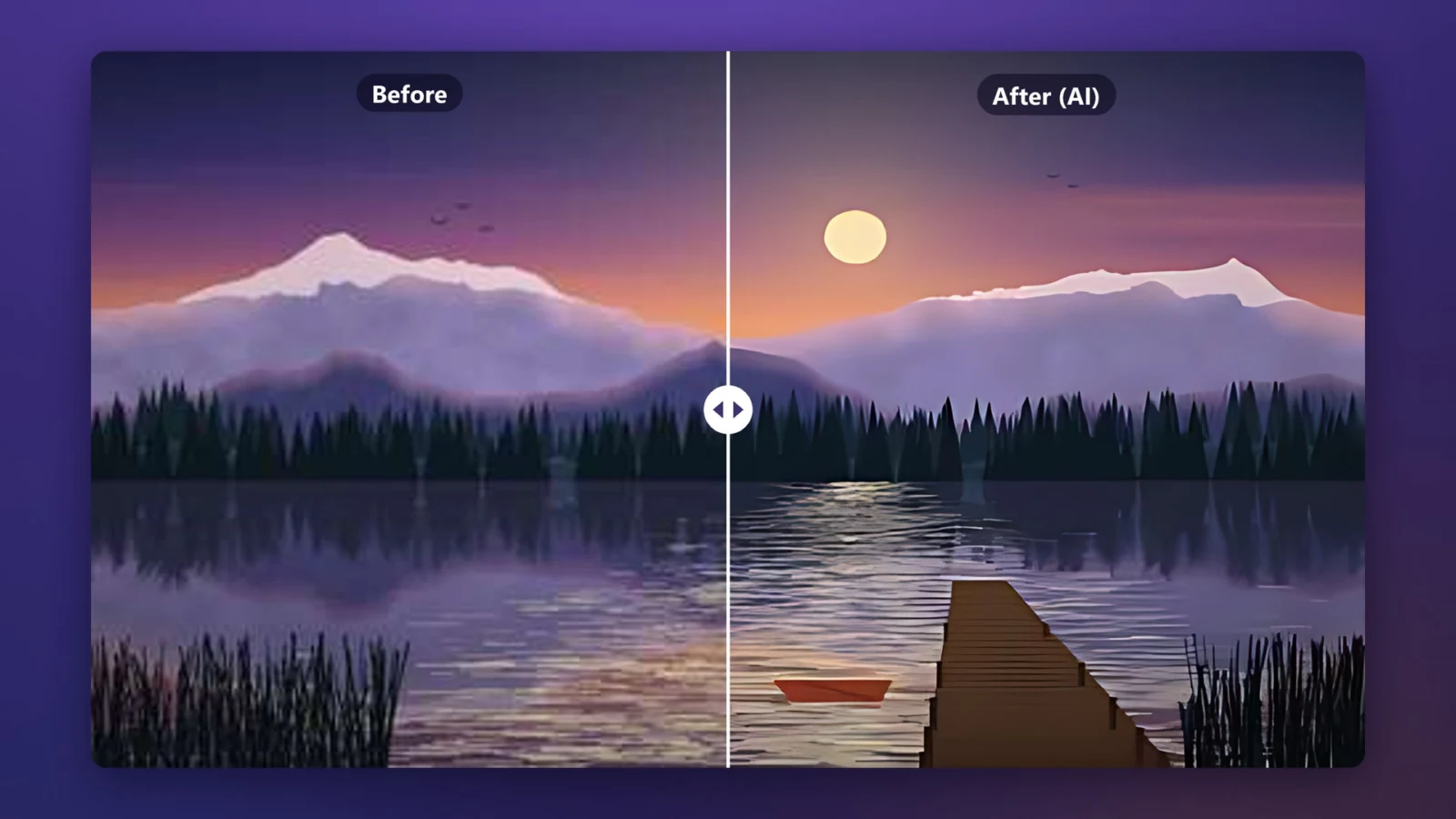
ReMaster enhances old videos and photos with AI. It sharpens blurry footage up to 4K and turns 30fps video into smooth 60fps. We rebuilt it for Windows 11 with the same approach as the iPhone, iPad and Mac version released in July. Everything is processed on your PC, and your videos and photos are never sent anywhere.
Old WMV and MPEG videos, as they are
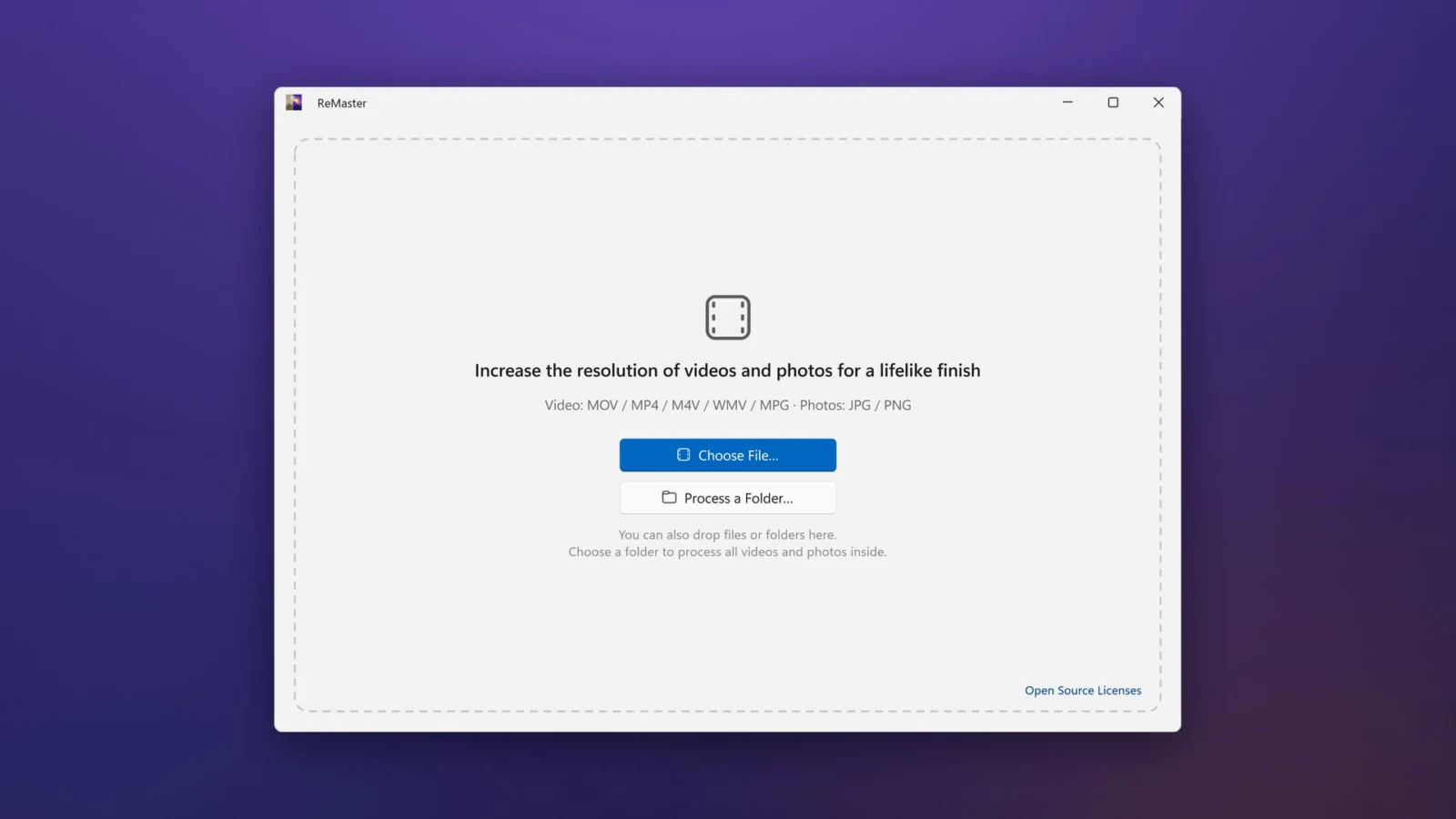
- Besides MOV, MP4 and M4V, it opens WMV and MPG (MPEG) — formats long used on Windows — directly
- Photos: JPEG and PNG. Transparent PNGs are enlarged with their transparency intact
- Interlaced camcorder footage is deinterlaced automatically, removing the jagged stripes on moving subjects
- The original audio is kept, in sync with the picture
4K and 60fps with AI
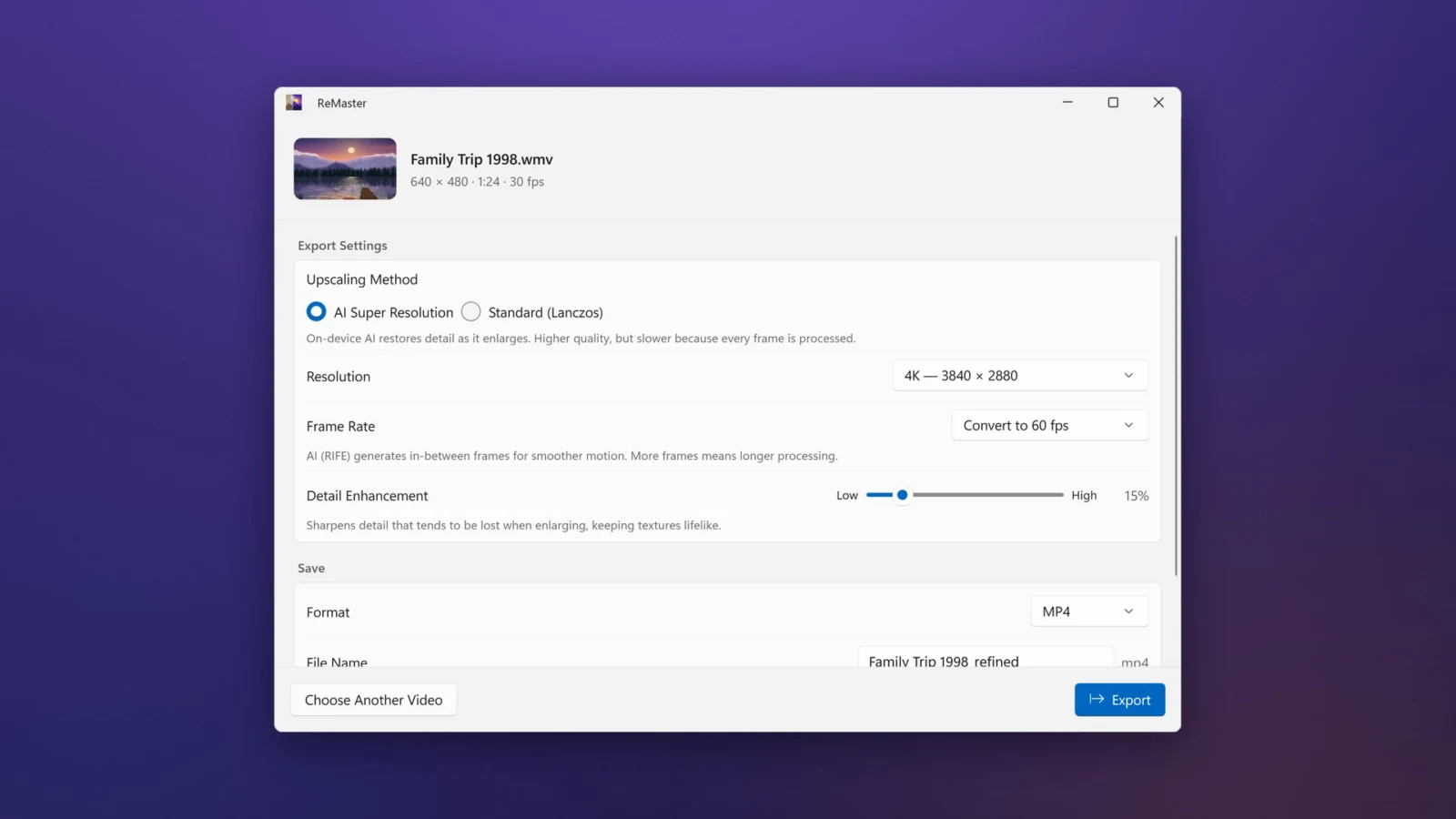
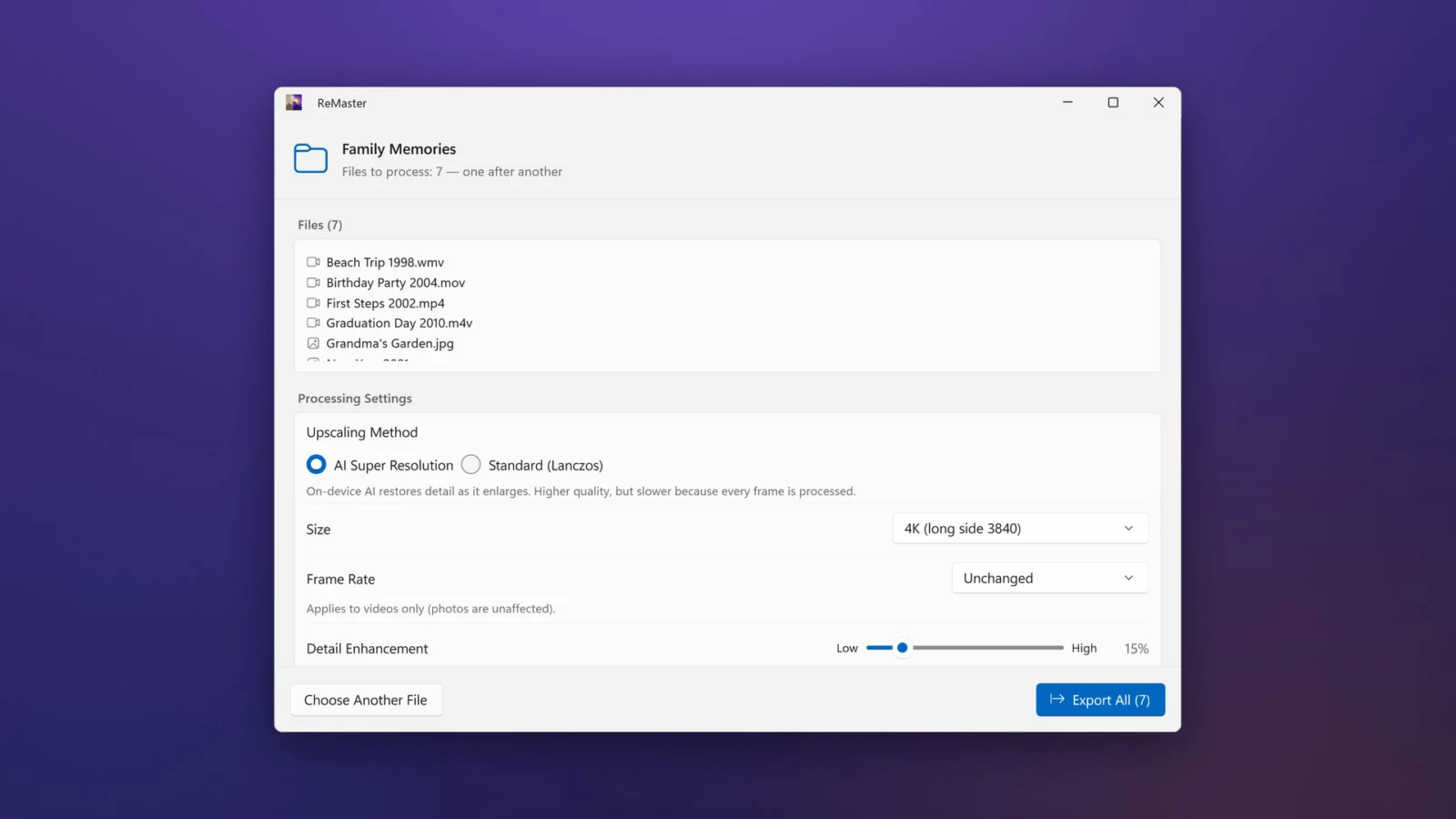
- AI Super Resolution (Real-ESRGAN) restores lost detail as it enlarges, up to 4×
- Choose 2×, 3× or 4×, or HD, Full HD, WQHD or 4K — or keep the size and improve only the quality
- AI frame interpolation (RIFE) turns 30fps video into smooth 60fps, or doubles the frame rate
- In a hurry? Use the fast Standard (Lanczos) mode. Detail Enhancement adjusts the sharpness to your taste
Whole folders at once
Choose a folder, or drop files and folders onto the window, and ReMaster remasters every video and photo inside, one after another — handy for reviving an entire archive of memories. Your PC doesn’t go to sleep while exporting, so you can leave long videos to it.
Photos, too
The same AI Super Resolution works on photos. Results are saved with “_refined” added to the name — at first in the folder of the original file, which you can change. Your originals are not changed.

Processed only on your PC
AI processing runs on your PC’s graphics (GPU) through DirectML, entirely on the PC. Your videos and photos never leave it, and no account is required.
Pricing
ReMaster is free to use. Buy ReMaster Premium, a one-time purchase, to remove the watermark from exported videos. Photos never get a watermark. There’s no subscription.
On Windows, Premium is a Microsoft Store add-on, purchased separately from the iPhone, iPad and Mac version.
Requirements
A PC (x64) running Windows 11 version 22H2 or later. AI Super Resolution and AI frame interpolation need DirectX 12 graphics. The app is available in 35 languages, including English.