The Windows version of Markdocx is now available on the Microsoft Store. You can use every feature free for the first 14 days.
Markdocx is a Markdown editor for writing documents you can hand over as they are. Write in Markdown with a live preview beside you, draw diagrams as text with Mermaid, and export the finished document to Word, PDF, EPUB or HTML with its tables, formatting and diagrams intact. It takes the same idea as the Mac version we released in August and builds it for Windows.
Write and see the result
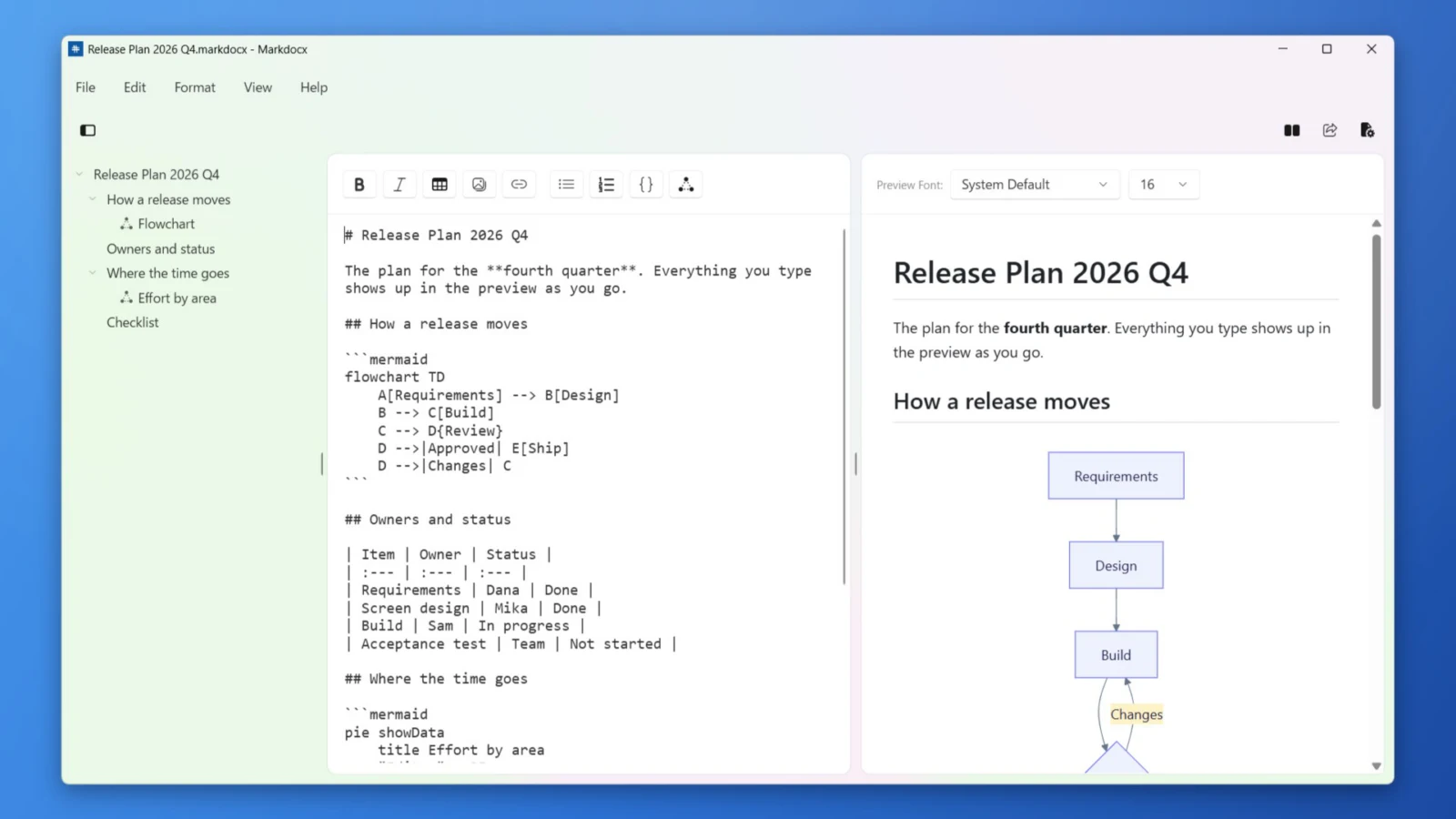
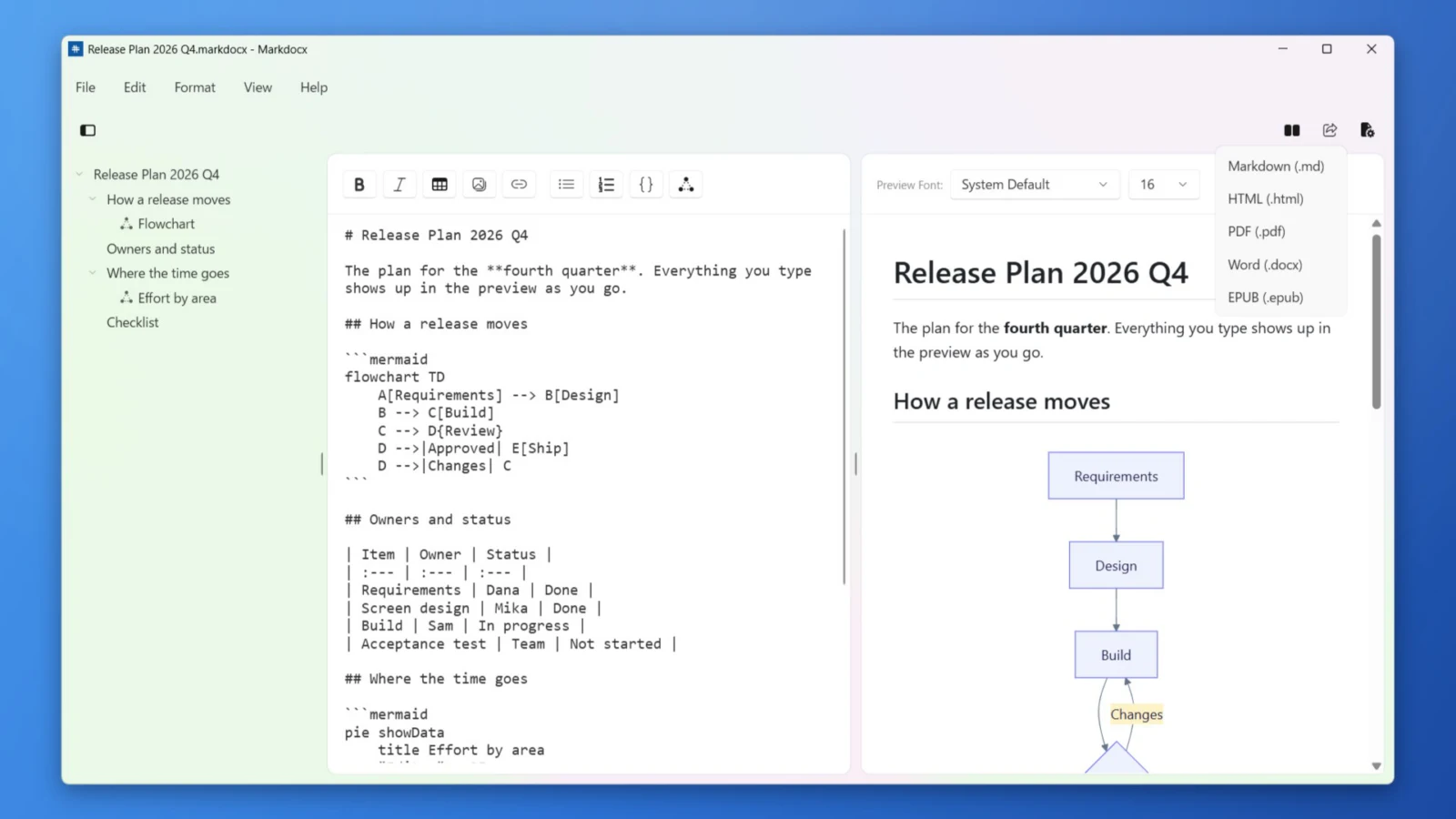
- The preview updates as you type, with the editor and preview side by side or stacked
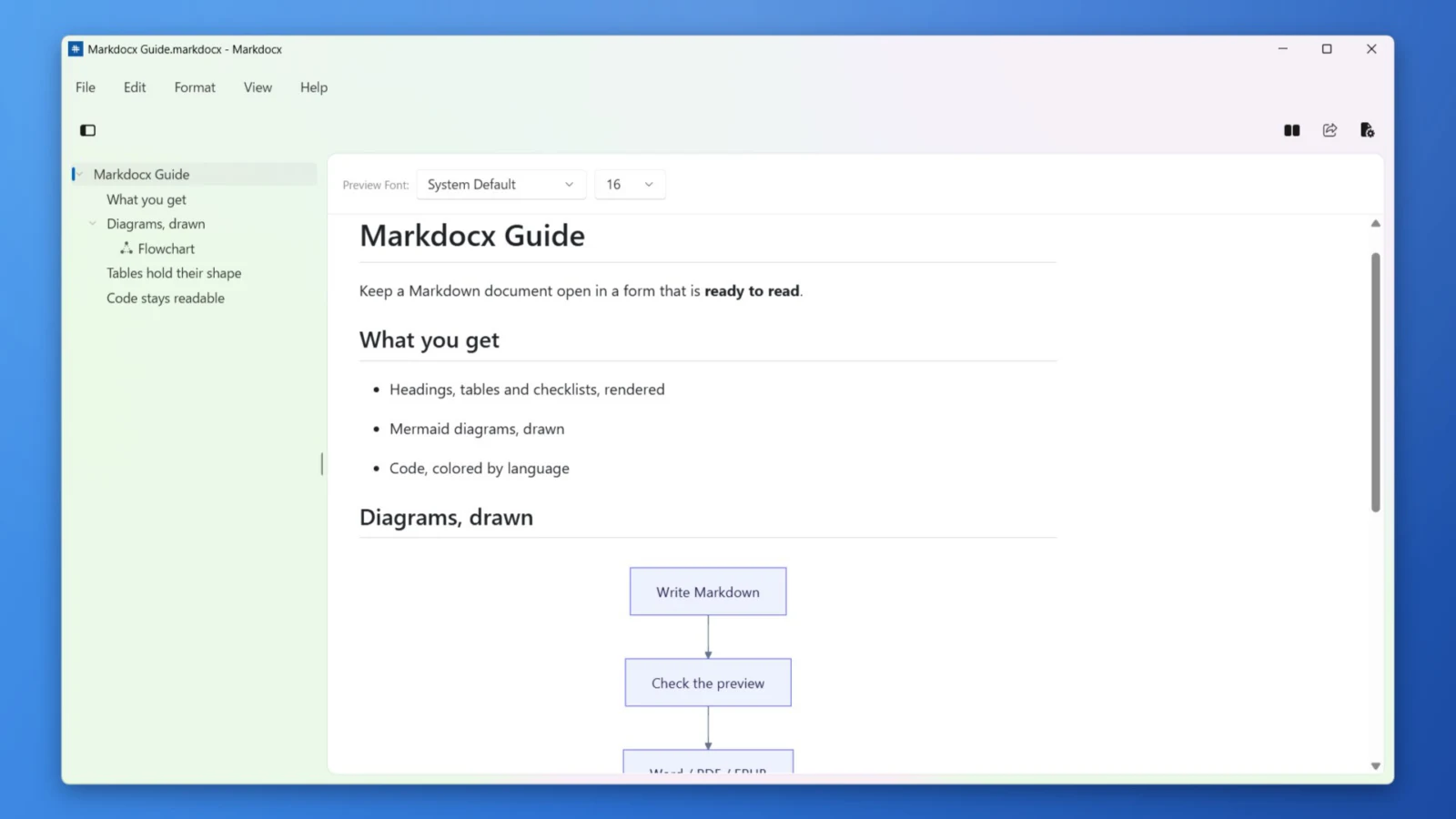
- Five layouts, including editor only and preview only — read the preview as a finished document
- Scrolling stays in sync between the editor and the preview
- The outline lists your headings and diagrams. Drag a heading to move its whole section
- A formatting toolbar inserts bold, italic, links, tables, images, lists, code blocks and diagrams. Find and replace is built in
- Tables, task lists, strikethrough and syntax-highlighted code blocks are supported
Diagrams as text
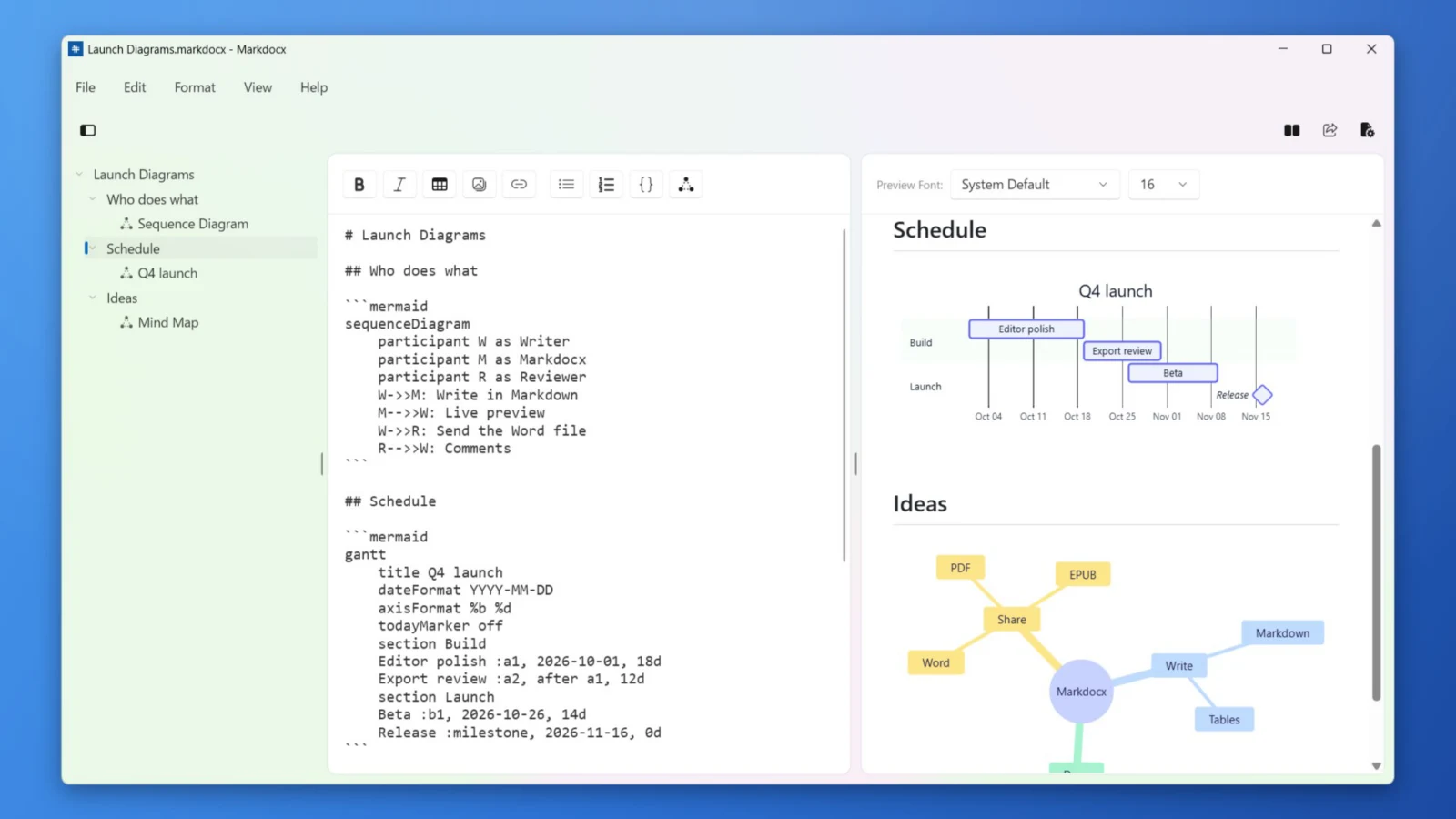
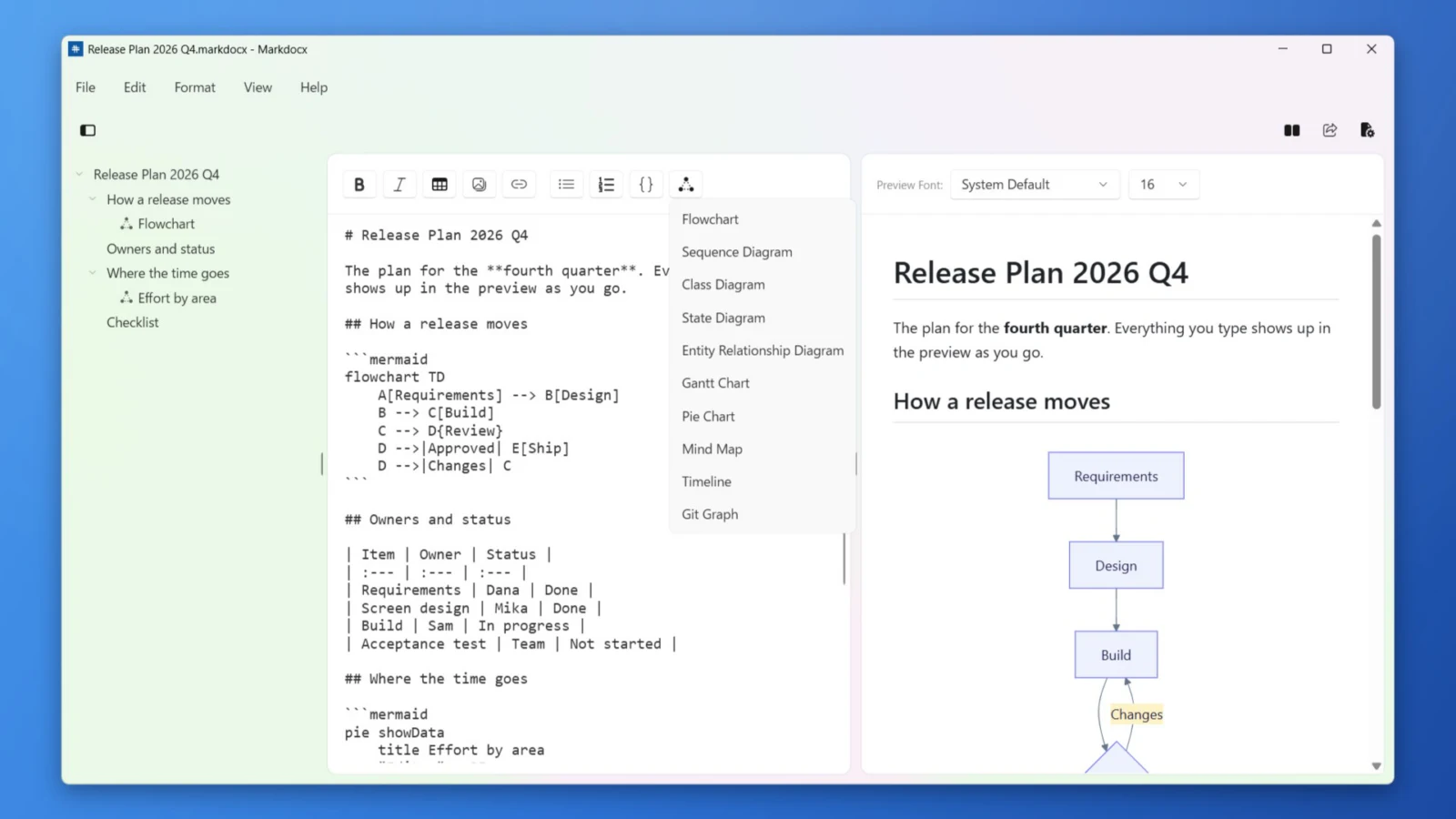
- Mermaid is built in: flowcharts, sequence, class, state and ER diagrams, Gantt charts, pie charts, mind maps, timelines and Git graphs
- Insert any of 10 templates from the toolbar with one click, then edit it as text
- Choose from 6 color palettes, for the whole app or for a single document
- Diagrams are drawn on your PC. No internet connection is needed
Export to Word, PDF and EPUB
- Export to Word (.docx), PDF, EPUB, HTML and Markdown
- Markdocx creates Word and EPUB files itself, so you don’t need Pandoc or any other software
- Diagrams are embedded as images in Word and as vector graphics in HTML and EPUB
- Import a Word document (.docx) and keep writing in Markdown
Made for Windows
- Follows the Windows light and dark theme
- Your work is saved automatically, and even untitled documents come back the next time you open the app
- The .markdocx format keeps images inside the document; plain .md files open too
- Set the font, scrolling, diagram colors and line breaks for each document
- No account and no sign-in required
Pricing
Every feature is free for the first 14 days. After that, writing, preview, diagrams and the outline stay free with no time limit. Export and Word import are unlocked with a one-time purchase on the Microsoft Store. There is no subscription.
The Windows version is purchased separately from the Mac version (Mac App Store).
Requirements
Markdocx runs on PCs with Windows 11 or Windows 10 (version 1809 or later), on both x64 and Arm64. The app is available in 33 languages.